
AI Body Editor: How to Make Controlled, Consistent Edits
Learn a controlled AI body-editing workflow for original or permissioned adult images, including prompts, review, and consistency checks.
MakeCorn Editorial
Updated Aug 5, 2026 · Reviewed for responsible AI use

An AI body editor changes selected attributes while preserving the rest of an image. Useful edits are controlled and local: the character, pose, lighting, camera, and background should remain stable unless the brief says otherwise.
Start with the right source image
Use an original synthetic character or an image from an adult who has agreed to the edit. The source should have clear lighting, enough resolution, and an unobstructed view of the area being changed. Compression artifacts and extreme crops make consistent editing harder.
Make a copy of the source and keep it immutable. Every revision should be compared with the same original.
Write a preservation-first instruction
A useful instruction contains three parts:
- What should change.
- What should remain exactly the same.
- What visual result should be avoided.
For example, describe the requested proportion or wardrobe adjustment, then preserve the character’s face, pose, skin tone, camera angle, lighting, and background. Avoid stacking unrelated changes into one generation.
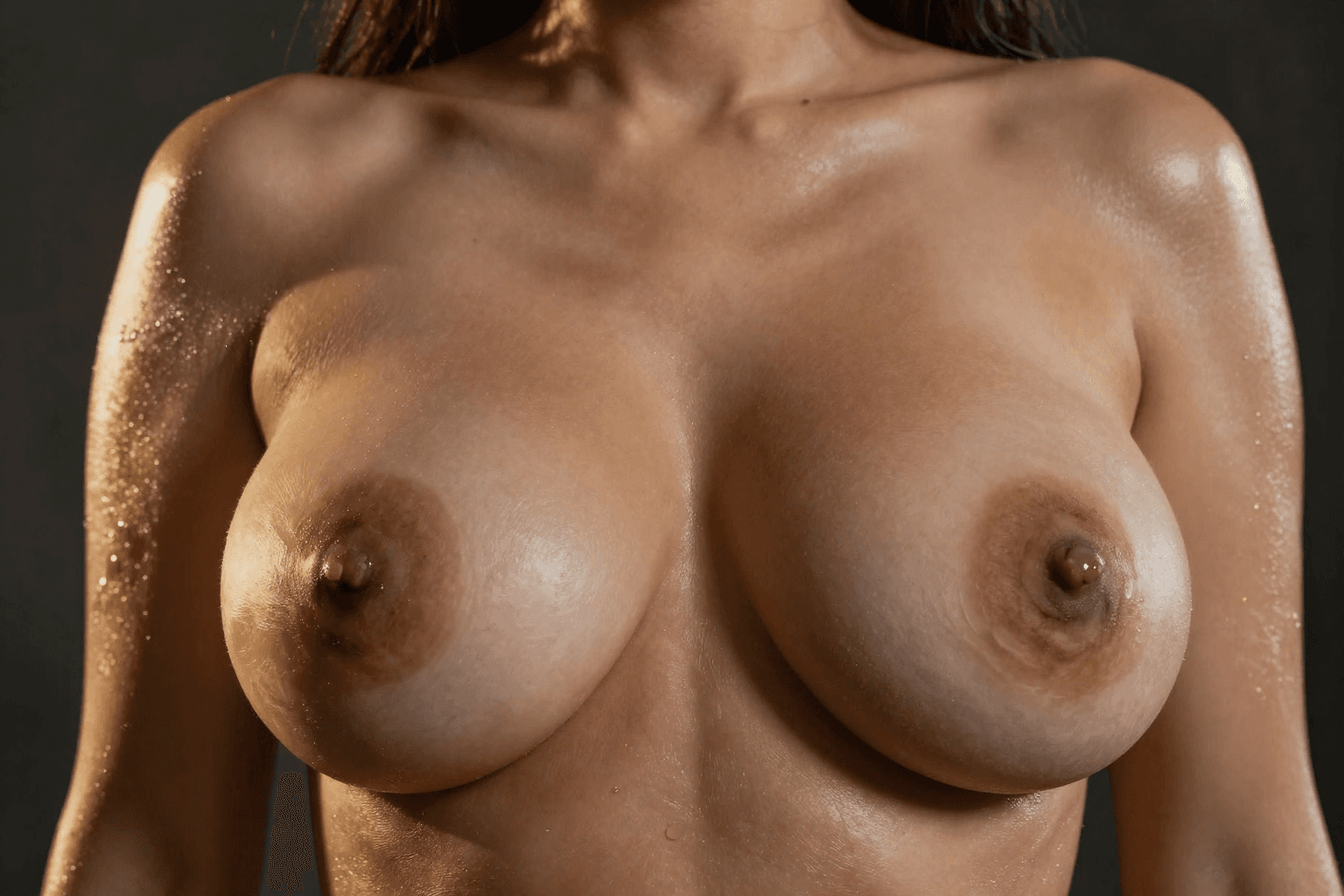
Use narrow edit regions
When the tool supports masking, select only the area that needs modification and leave a small blend margin. A broad mask gives the model permission to redesign the entire composition. If the face or hands change, reduce the edit area and repeat from the original source rather than editing an already degraded result.
Review proportions and continuity
Check the full image, not just the edited area:
- Does the pose still obey the original perspective?
- Do clothing seams and shadows follow the new shape?
- Are hands, hair, and nearby objects unchanged?
- Did the tool alter the face or create a lookalike?
- Does the edit remain consistent with other images in the set?
Zoom out after detailed inspection. An edit can look plausible close up but unbalanced in the full composition.

Build consistent multi-image sets
Create a short style sheet recording the approved proportions, descriptive vocabulary, source reference, and rejection criteria. Edit one representative image first. Once it passes review, use the same process across the rest of the set.
Do not repeatedly edit the previous output. Start each image from its clean source so artifacts do not compound.
Troubleshooting
The face changed
Reduce the mask, preserve identity explicitly, and begin again from the original. Reference-guided editing can help when the tool supports it.
Clothing looks painted on
Include fabric, seam, fold, and shadow behavior in the instruction. Review areas where clothing meets skin or nearby objects.
Results vary across a set
Standardize the source crop, reference, vocabulary, and generation settings. Approve one target look before processing the full batch.
The output looks overprocessed
Reduce the strength of the change and avoid combining reshaping, skin retouching, relighting, and background replacement in one pass.
Before publishing
Confirm the source is original or permissioned, remove embedded metadata, and inspect previews and thumbnails. Do not use body editing to create intimate media of someone who did not agree to it. Keep source images private and publish only reviewed exports.
FAQ
Can an AI body editor preserve the same character?
Yes, but narrow edits, a stable reference, and a preservation-first instruction produce more reliable results than a general transformation prompt.
Should edits be done in one pass?
Use one focused change per pass. Multiple unrelated changes make it harder to identify and correct failures.
What should be saved with the final image?
Save the approved source identifier, tool and settings, review status, and export location without embedding personal information in the filename.

Edit with MakeCorn
Use MakeCorn to make controlled image edits while keeping the source and final exports organized.
Questions, answered
Frequently asked questions
What is an AI body editor?
It is an image-editing workflow that changes selected body or clothing attributes while attempting to preserve the rest of the composition.
Why does an AI body edit change the face?
The edit region or instruction may be too broad. Use a tighter mask and explicitly preserve identity, pose, lighting, and background.
How can multiple edits stay consistent?
Reuse the same approved reference, editing vocabulary, proportions, and review checklist across the set.
Put the workflow into practice
Create original adult AI media with MakeCorn
Choose an image or video model, build a fictional adult character, and keep each generation under your control.
Try MakeCorn →Continue in Explore
Related adult AI niches
Jump into high-intent explore pages connected to this guide — styles, tools, and workflows ready to open in MakeCorn.
AI Body Editor
AI Body Editor on MakeCorn — original adult characters, uncensored AI images and video, and a simple workflow you can reuse.
AI Ass Enhancer
AI Ass Enhancer on MakeCorn — original adult characters, uncensored AI images and video, and a simple workflow you can reuse.
AI Body Morph
AI Body Morph on MakeCorn — original adult characters, uncensored AI images and video, and a simple workflow you can reuse.
AI Breast Editor
AI Breast Editor on MakeCorn — original adult characters, uncensored AI images and video, and a simple workflow you can reuse.
AI Boobs Enhancer
AI Boobs Enhancer on MakeCorn — original adult characters, uncensored AI images and video, and a simple workflow you can reuse.
Porn Video Editor
A porn video editor powered by AI. Edit adult clips built from original characters — restyle, extend, re-light and lip-sync without filter blocks.
Keep reading
Related guides
Adult AI Creator Guides
AI Breast Editor: Controlled Image Editing Guide
Learn how to make controlled AI breast edits while preserving the character, pose, clothing, lighting, and surrounding composition.
Adult AI Creator Guides
AI Body Swap: A Controlled Creator Workflow
Learn how to plan, generate, and review AI body-swap scenes while preserving character identity, perspective, lighting, and composition.
Adult AI Creator Guides
AI Chat Porn: How to Build Adult AI Companions That Look and Feel Consistent
A practical guide to AI chat porn in 2026 — character design, matching images, chat setup, privacy, quality control, and how to create on MakeCorn without random one-off faces.